OpenCode
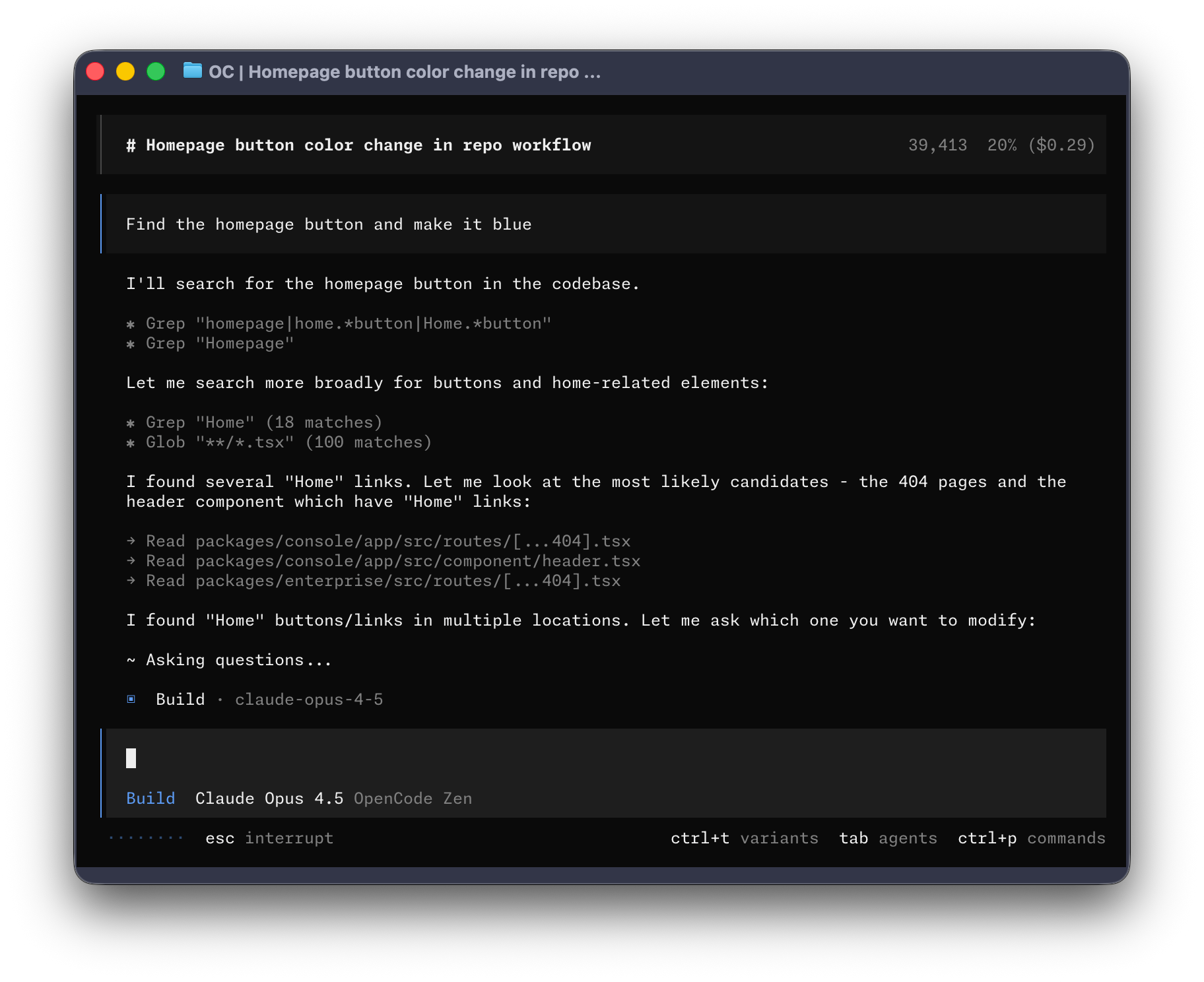
Figure 1: OpenCode in Action
OpenCode is an AI coding agent that you can use from the terminal, the web, your editor, or the command line. It works with local models through Ollama and with cloud models through plugins.
Use Gemini with a Google AI Plus or Ultra subscription
You do not get Gemini API keys with your Google AI subscription. But you get more usage credits when you use Gemini CLI and Antigravity.
To use your subscription with OpenCode, install this plugin: jenslys/opencode-gemini-auth
Set up Docker MCP
Docker gives you MCP servers that run in containers. To connect them to OpenCode:
- Follow the guide at Verify MCP - OpenCode.
- Use
opencode run ...instead of the command that the guide shows.
Use Ollama with OpenCode
You can configure OpenCode to use Ollama for local models. For instructions, refer to OpenCode - Ollama.
To start, run ollama launch opencode. Then select the models that you
want.
OpenCode needs a large context window. If the default is not sufficient, increase it:
Add this line to the
[Service]section of/usr/lib/systemd/system/ollama.service:Environment="OLLAMA_CONTEXT_LENGTH=64000"- Run
systemctl daemon-reloadto apply the change.
For more information, refer to Context length - Ollama.
Find more plugins
Browse the plugin catalog at Ecosystem | OpenCode.